PiRoom – Natural Alarm [Concept]

This is the next phase in the PiRoom project. I glossed over this earlier, so I’ll expand on the idea of natural alarm. A natural or light-up alarm clock basically simulates how the sun rises to mess with the hormones in our body to give a more relaxed wakeup.

While these things cost around $150, I thought I might as well make my own (as I already have the LED framework made).

As GALE is still being made, I’ll have to make a system that isn’t based off of user sound input. Instead, I’m going to use Google Calendar. The goal is to have a calendar of all of the wake-up times, and use that information to remotely control the Pi and in turn, the alarm clock.

I’m still trying to work out the API (google is brutal with the process), and I’ll keep posting updates.

PiConnect [Concept]

I recently moved to a new house, and with a new house, there is a new system to adapt to. The two biggest changes that affect me the most are the new wifi and the sound setup.

First the sound.

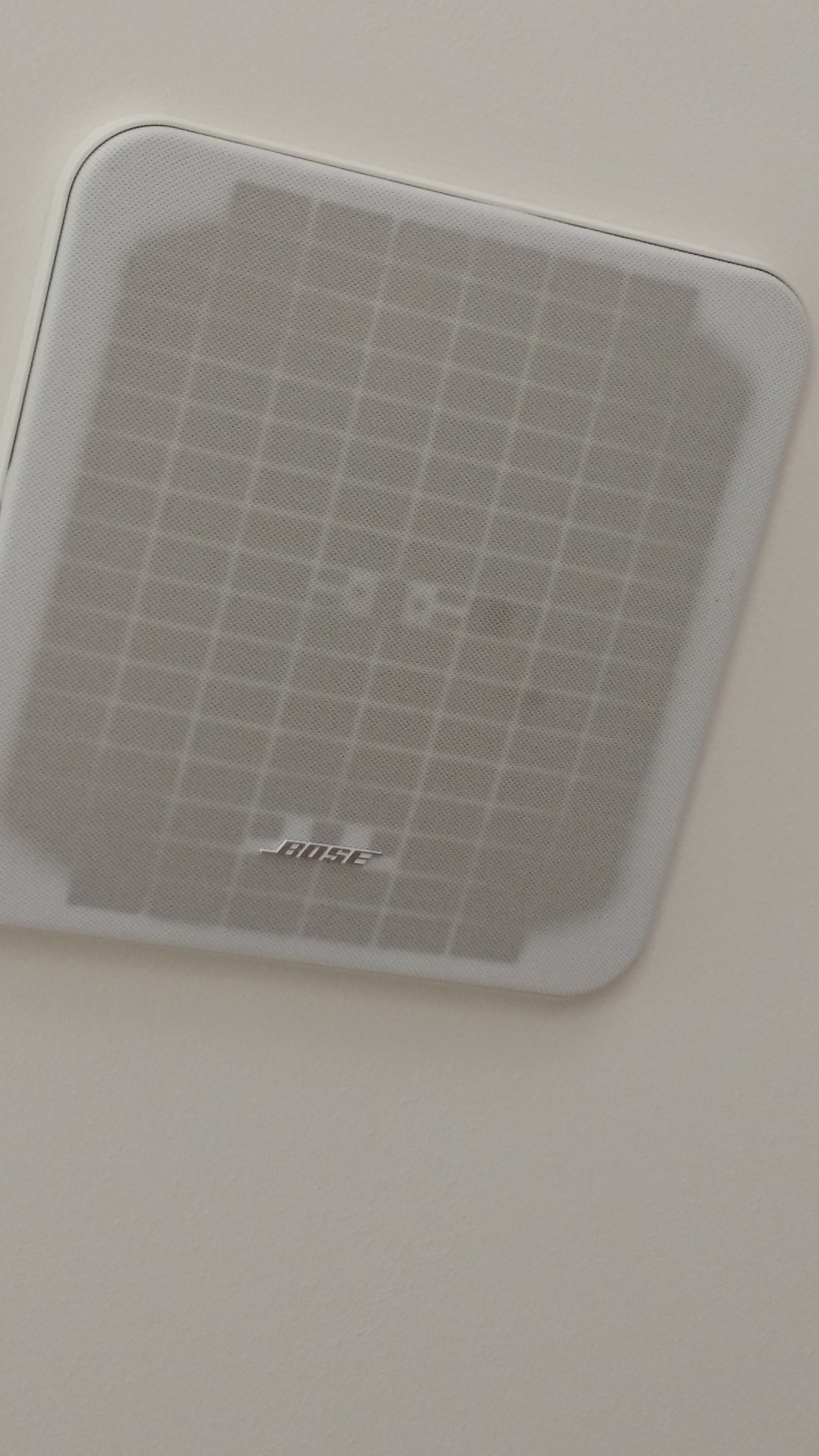
The previous owners of the house put in this great speaker system that is wired for the whole house:

Bose Speakers

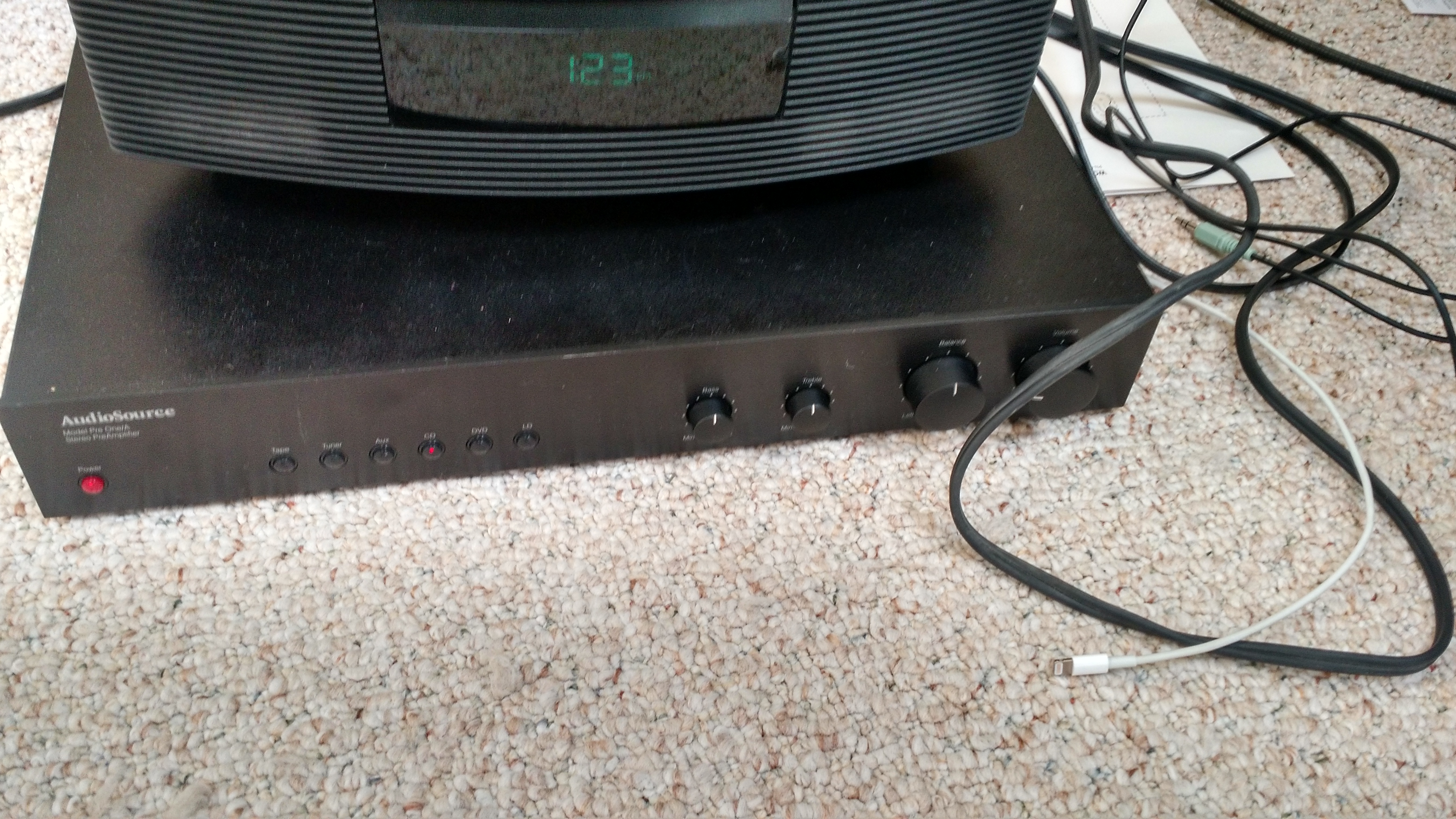
The main problem of this, however, is that the whole system is controlled from a rather old pre-amp:

House Preamp

Because of its age, we physically have to go and plug our devices into it in order to listen to music around the whole house (because plugging things in is so last decade.)

This isn’t that big of a problem, however, I feel the whole experience can be streamlined by making the whole system wireless, which will not only allow for us to play music as well as use our phones at the same time, but then my parents can’t make me get up from the sofa to plug in their phones.

Second, the WiFi.

I love this new wifi. I’m getting a 8ms ping, and 80 mbps both download and upload. However, with the new house, we need to have 2 wifi networks to cover the whole area (I tried to get my dad to just go with a booster, but he didn’t want to do that for some reason.) These two networks are fine with me, but the network that has access to all of the printers and other devices is just out of reach from my room, which forces me to go downstairs whenever I want to print something, which is rather annoying, considering I’m a student, and I make roughly 2-3 print trips per night.

My solution is to make the Raspberry Pi into a print server so I can print from my room. You might be asking, how will you be able to print if you can’t access the network that the Pi is on? I will be using Hamachi, which has worked great for me with the PiRoom and the PiVPN. That way, as long as I have some type of wireless connection, I can print to my printers at home.

Both of these projects should be fairly small, I’ve already done the research to do them. However, the Pi I currently plan on using for these projects is giving me problems, so I don’t really know when I can start with this project.

I’ll be posting all of my progress, so stay tuned.

Concept Behind PiVPN

As I am getting started on the PiRoom project, I realized that I will need to work on the Pi, and there will be chances that I won’t have the Pi on me. For that, I’m using an older Pi to act as my VPN server.

I will be using the openvpn software, because of it’s popularity, mostly because it is free. Once I have this system setup on my pi, I will most likely have a link for my phone, tablet, computer, PiRoom pi, and maybe a NAS or an external harddrive connected to the Pi. The advantages of this system is all my of electronics will be safe within my own home, and I can travel light.

Another, and maybe the main advantage is that I will be assigning a static IP address to my PiRoom Pi. With this, I would run into a lot of trouble if I wanted to say, use the pi in a coffeeshop, where there is a high chance of a conflict with the dhcp server.

I haven’t delved into the system yet (I’m currently not in my house, so I don’t have access to either of my Pis), but I’m assuming that I will either be able to

  1. Access my PiRoom on my home network because I will be using my PiVPN’s wireless. In this system, the PiRoom’s IP address will stay static, so I only have to deal with one.
  2. Connect both my device as well as my PiRoom to a network made by the PiVPN, and access the PiRoom through that network. Ideally, the IP address for the PiRoom would stay constant for both, but even if there are two IP addresses, that really isn’t that much of a problem.

Nevertheless, I’m going to try to get the first system up and running, that way, I won’t accidentally forget to attach my PiRoom to my PiVPN, and be stuck with no access to my Pi.

Smart Room Concept

I have been reading a lot of articles online, and I realized if I could combine all of them, I could really beef up the quality of my room.

So far, I have a couple of features that I would like to implement in this system:

  1. Natural Wake-Up Clock
  2. Mirror HUD
  3. Web Interface

A while back, I stumbled across a clock that would change the brightness of a room in order to simulate the rising sun (example). However, at $100, I couldn’t justify the cost. I decided that if I made one myself, I would be able to make it for cheaper, as well as make it more expandable.

I’m going to use a Raspberry Pi for this build, due to its very light resource requirements, and its versatility (plus, I won one from a hackathon, and I didn’t know what to do with it).

Instead of a little bulb, I’m going to replace the whole room lighting with an LED strip, which will be controlled by the Pi, which should be able to change the color and the brightness of the strip. Theoretically, I should be able to simulate the rising sun with this setup. Another added benefit is due to the LED strips having to be RGB (in order for me to control them), they will emit a blue light, which as recent studies have shown, will affect the levels of melatonin in my blood, and will help me wake up.

However, I’m aware of the irony of last statement. If I’m using blue LEDs to wake up, won’t it make sleeping a pain? I will also be implementing a f.lux like system to the lights, so that it will be a bit easier to sleep.

To manage all of this, I will have a web interface which would be able to control the Pi remotely from a phone. This gives me the benefit of closing the lights without having to get up from bed (something that happens too much), as well as basically controlling the whole room from my fingertips.

I also saw another post about a “magic mirror”, essentially a HUD on a mirror. If I can get the materials, I believe this could be a valuable addition to my project, as I could see stats about the other processes running, as well as auxiliary information such as weather, time, etc.

These are some ideas which I would love to do, but I don’t know if I will be able to get to it:

  • Have the whole room voice controlled – that’s a whole other level of coolness
    • Have a natural AI for the voice control (like JARVIS) – that a whole other other level of awesomeness
  • Try to incorporate a leap motion like system on the mirror to have a responsive mirror
  • Have a music system setup so I can flash the lights to the whole room to the beat