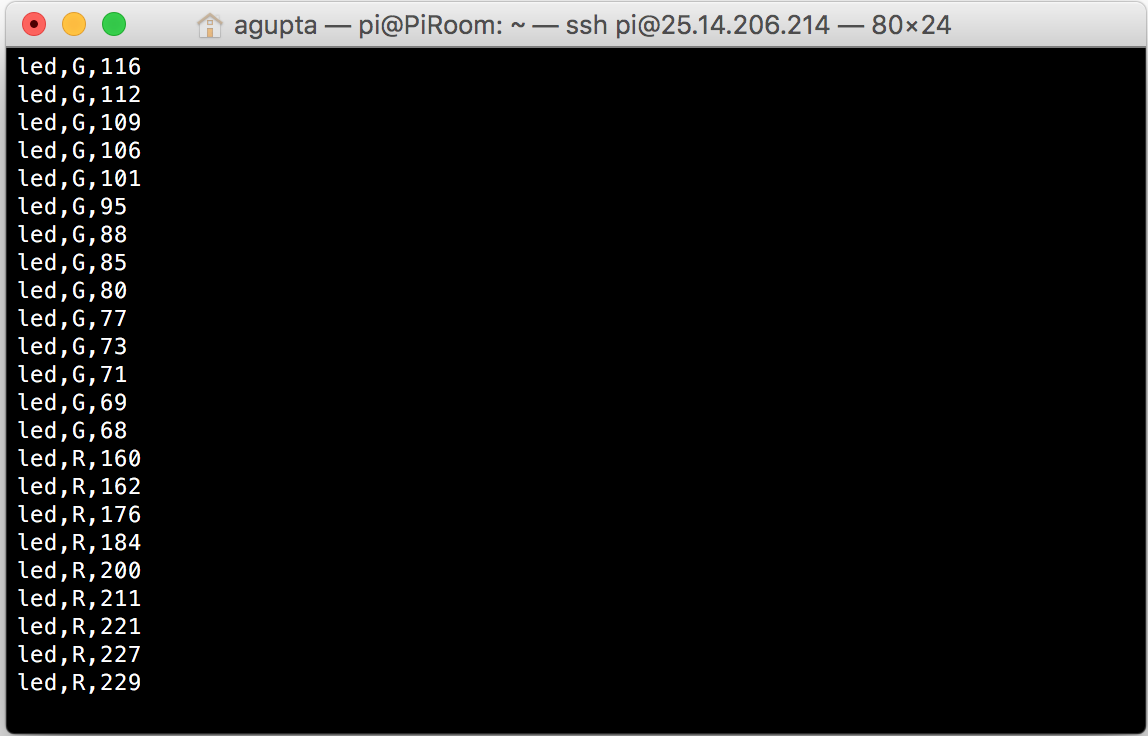
I was doing a basic outline of what I wanted this application to do, and I realized that I wanted a hardware switch for the lights as well as well as the software interface.
If there are two different interfaces, that means there will be a discordance with the hardware values compared to the web values for the lights. The only way then, to make sure everything is a-ok, is to make sure that the clients are always synced to the server, so the hardware values change the values on the clients’s webpages.
One easy and obvious solution is to simply refresh the webpage every x seconds with JavaScript, but that wouldn’t give realtime feedback, which kind of ruins the whole “home of the future” experience for me. I then looked into sending AJAX requests every x seconds, but realized that if I have more than 5 or so client webpages open at the same time, my pi would literally go on fire.
I could go around that by using a service such as pusher, which basically outsources the request to an off-site server, but I would rather buy a server than pay for a service such as pusher (huge fan of not buying things :D)
After a little more research, I found that the websockets are the way to go. They basically open a tunnel between the server and the client, where both the client and the server can communicate with each other in realtime. An easy application for this would be a simple chat application.
Since, my Pi is already built with Apache, I decided to use PHP to run my websocket server (plus PHP is the language I’m best at).
I used a library for the basic websocket functionality, which can be found here.
After that, I realized that I needed to run the PHP locally, not every time a client connects to the server. I then added another class and a small amount of code which can be run from the command line:
require_once 'WebSockets.php';

class Server extends WebSocketServer {

protected function process ($user, $message) {
$this->send($user,$message);
}
protected function connected ($user) { }
protected function closed ($user) { }
}

$server = new Server("localhost", "1738");

try {
$server->run();
}
catch (Exception $e) {
$server->stdout($e->getMessage());
}
I opened up the Pi and ran this file, which gave me the following output:
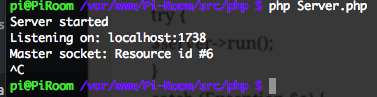
So far, it looks like the server is running smoothly. Now, I need to connect my client with my server and get them synchronous.
If you are thinking that this is overkill for a simple application such as this, that I don’t really need a hardware interface, I would have to tell you that a websocket is a lot more integral to the whole project than it initially appears. If there are multiple tabs open with the server control panel, and there isn’t a websocket set up, then the tabs would never be updated, which would be very confusing to the user. In this case, a websocket not only provides basic functionality, but also increases the expandability of the project exponentially.